
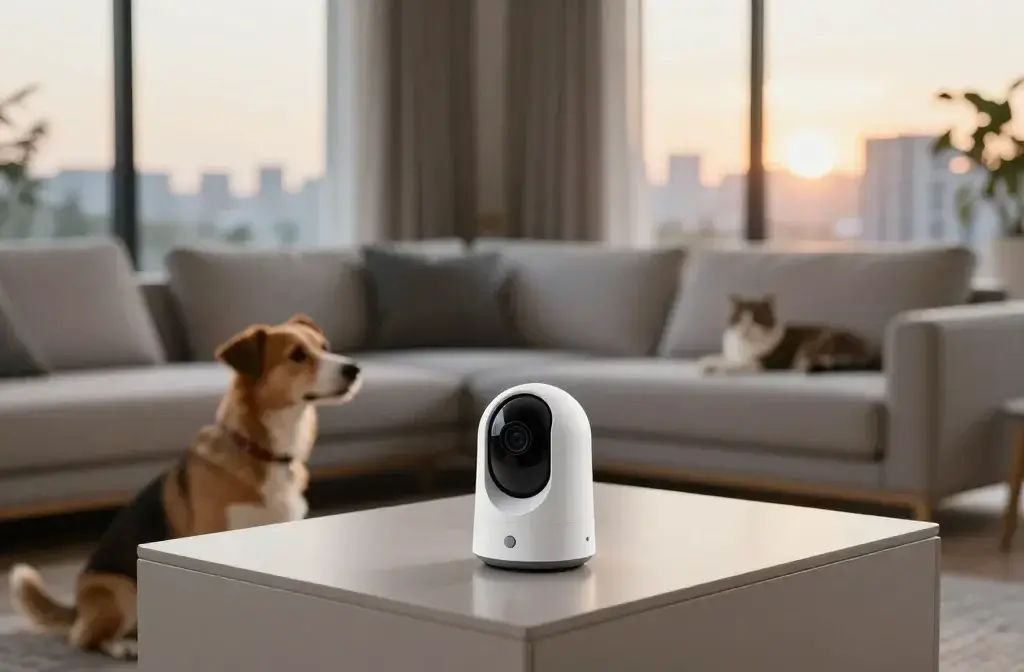
You love your pet. You also love leaving the house without wondering if they’re napping like angels or plotting a heist. A pet camera promises peace of mind, hilarious footage, and fewer “what on earth happened to the couch?” moments. But is it worth the cash and the creep factor of watching your dog stare into the void at 2 a.m.? Let’s dig in.
What a Pet Cam Actually Does (Beyond Capturing Derpy Faces)
Pet cameras do more than just record. Most modern models offer an all-in-one hub so you can check in from your phone and interact on the fly. Think less “security camera” and more “pet portal.”
- Live video: 1080p HD with night vision on mid-range models.
- Two-way audio: Talk to your pet. Yes, they’ll tilt their head. Yes, it’s adorable.
- Treat tossing: Launch a snack. Reward good behavior. Start a tiny home arcade.
- Motion and sound alerts: Get pings for barking, movement, or door activity.
- Recording and cloud storage: Save clips when something happens (sometimes requires a subscription).
- Smart features: Pet-specific alerts, barking detection, person alerts, even vet-friendly behavior metrics on fancy models.
Do You Need All the Bells and Whistles?
You probably don’t. If you just want to peek in during lunch, a simple cam with live view works. If you’re training or monitoring separation anxiety, treat tossing and alerts matter more. IMO, pay for features you’ll use weekly, not once and forget.
The Pros: Why Pet Cams Can Be Total Game-Changers
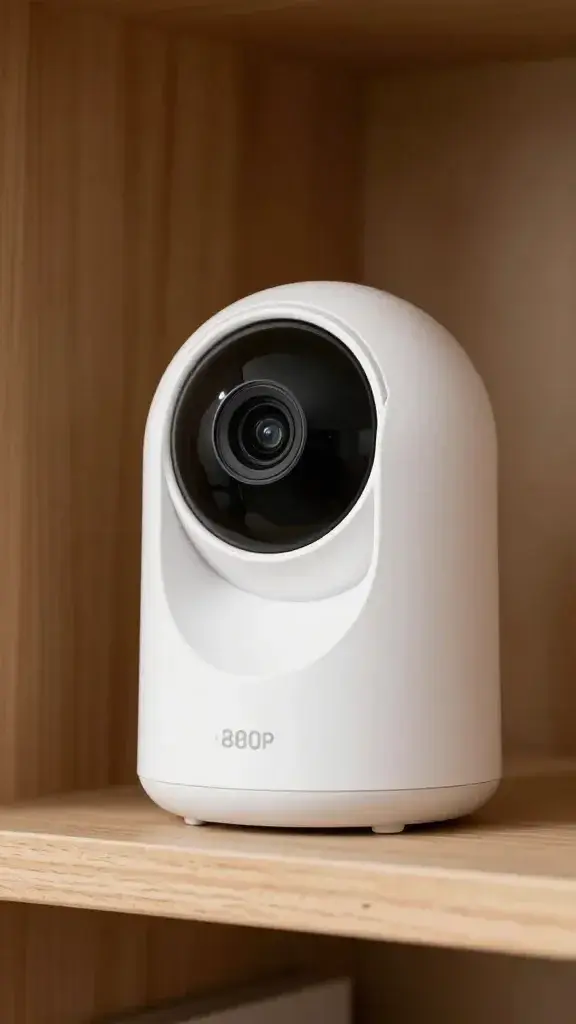
Let’s start with the good stuff, because we all love a win.
- Real peace of mind: You don’t need to guess if your dog settled after you left. You’ll know.
- Behavior insights: See patterns—barking at 3 p.m., zoomies after the mail carrier, or cat parkour at midnight.
- Training help: Reward quiet behavior remotely. Interrupt furniture scratching with a gentle “hey!”
- Entertainment value: The clips. The chaos. The bloopers. Pure gold.
- Safety checks: Spot hazards, broken crates, or if someone forgot to close a door. FYI, this has saved many a snack cabinet.
For Working Pet Parents
If you’re gone 8+ hours, a cam can make you feel involved. Toss a treat, say hi, then go back to your meeting like a responsible adult. It helps more than you’d think.
The Cons: Stuff People Don’t Mention on the Box
Not every camera moment is magical. Some will haunt you (and your wallet).
- Subscription creep: Many features (recording, smart alerts, timelines) hide behind monthly fees.
- False alerts: Sunbeams, curtains, and dust motes can trigger motion alerts like it’s a ghost hunt.
- Privacy trade-offs: You put a connected mic and camera in your home. That’s a trust leap.
- Pet confusion: Some pets get stressed when they hear your voice but can’t find you.
- Another gadget to manage: Wi‑Fi drops, firmware updates, and “why is the app lagging” moments.
When a Camera Might Make Things Worse
If your dog has severe separation anxiety, constant check-ins can backfire. You’ll either stress them out or stress yourself out. In that case, work with a trainer first, then use the cam as a supporting tool.
What You’ll Actually See (The Honest Reel)

Let’s set expectations. Pet cams don’t deliver a 24/7 blockbuster.
- 80% naps: Pets sleep a lot. You’ll watch tiny ear twitches like a nature documentary narrator.
- 10% shenanigans: Toilet paper art, sock theft, mysterious counter surfing.
- 5% “Are they okay?”: Random barking, pacing, mild whining at the door.
- 5% top-tier comedy: Staring at themselves in the camera, catching treats midair, full-body wiggles when they hear your voice.
Red Flags Worth Catching
You might notice signs you’d otherwise miss:
- Excessive pacing or vocalizing that hints at anxiety.
- Water bowl avoidance or unusual lethargy that suggests a health issue.
- Chewing or scratching at doors indicating boredom or stress.
That info helps you adjust routines, enrichment, or vet check-ins. Data > vibes, IMO.
Choosing the Right Pet Cam Without Going Cross-Eyed
Skip the brand rabbit hole and match features to your life.
- Video and audio quality: 1080p with decent night vision is the sweet spot. A wide field of view (120–160°) covers more room.
- Connectivity: Dual-band Wi‑Fi (2.4/5 GHz) improves stability. Look for quick reconnect after outages.
- App experience: Clean timeline, easy scrubbing, clear alerts. Read recent reviews for reliability.
- Power and placement: Corded cams never run out. Mount or place them high enough to avoid “nose cam.”
- Privacy features: Local storage, physical camera shutter, or clear data policies. This matters.
- Treat mechanism quality: Adjustable sizes and jam resistance if you plan to toss snacks a lot.
- Total cost: Add the sub fee. A cheap cam + $8/month for years can cost more than a premium one with local storage.
Nice-to-Haves for Power Users
- AI pet detection to reduce false alerts.
- Multi-cam support if you want coverage across rooms.
- Smart home integration for voice access or routines.
Setup Tips So You Don’t Hate It on Day One

You bought the thing. Make it work for you, not against you.
- Find the right height: Aim at doorways, couches, or crates. Avoid windows that cause glare and alert spam.
- Test your voice: Speak calmly and cheerfully. Loud, sudden audio can spook sensitive pets.
- Calibrate alerts: Start strict, then dial down sensitivity so you don’t get 57 “motion detected” pings for dust.
- Introduce it slowly: Let your pet sniff while it’s off. Then turn it on. Reward calm behavior near it.
- Use treats strategically: Reward quiet, settled behavior, not frantic barking. Timing matters.
Security and Privacy Basics
Do a tiny bit of grown-uping:
- Use a unique, strong password and enable two-factor authentication.
- Update firmware regularly. It’s boring but important.
- Position the cam away from sensitive areas like bedrooms or work monitors.
When a Pet Cam Is Worth It (And When It’s Not)
Get one if:
- You worry during long workdays and want proof everything’s fine.
- You’re training manners or addressing mild separation anxiety.
- You love data and plan to adjust routines based on what you see.
Maybe skip (for now) if:
- Your pet panics when hearing your voice but not seeing you.
- You hate subscriptions and don’t want to pay for cloud storage or smart alerts.
- You won’t check it after week two. A dusty gadget does nothing.
FAQ
Will my pet recognize my voice through the camera?
Usually, yes. Dogs often perk up and look for you. Some cats give you the classic “I hear you, I’m ignoring you” response. If your pet gets anxious when they can’t find you, use your voice sparingly or not at all.
Is a pet camera safe to leave running all day?
Yes, as long as you use a reputable brand, keep firmware updated, and place it in a safe spot away from chewing and water. Wired models are more reliable for continuous use than battery-powered ones.
Do I need a subscription plan?
Not always. You can live view and talk without it on many models. But if you want event history, advanced alerts, or multi-day storage, most companies lock that behind a plan. Compare the yearly total cost before you buy.
Can a pet cam help with separation anxiety?
It helps you monitor and collect data, which is huge. Rewarding calm behavior remotely can support training. However, for moderate to severe anxiety, partner with a trainer or vet; the camera is a tool, not a cure.
What about regular security cameras instead of “pet cams”?
They work fine for basic monitoring and often cost less. You lose pet-specific features like treat tossing or bark alerts, and the apps can feel more “security” than “pet parent.” If budget matters, a good security cam is a solid start.
Where should I put the camera?
Aim where your pet spends time: near beds, couches, crates, or entryways. Get a high angle for a wider view. Avoid backlighting from windows, which wrecks video quality and triggers alerts.
Bottom Line
A pet camera won’t transform your dog into a saint or your cat into a life coach. But it can reduce worry, support training, and capture priceless moments you’d otherwise miss. If you’ll actually use the features—and the sub fee doesn’t make you cry—go for it. If not, save the money, buy a puzzle toy, and enjoy fewer app notifications. Either way, your pet still rules the house, camera or not.